
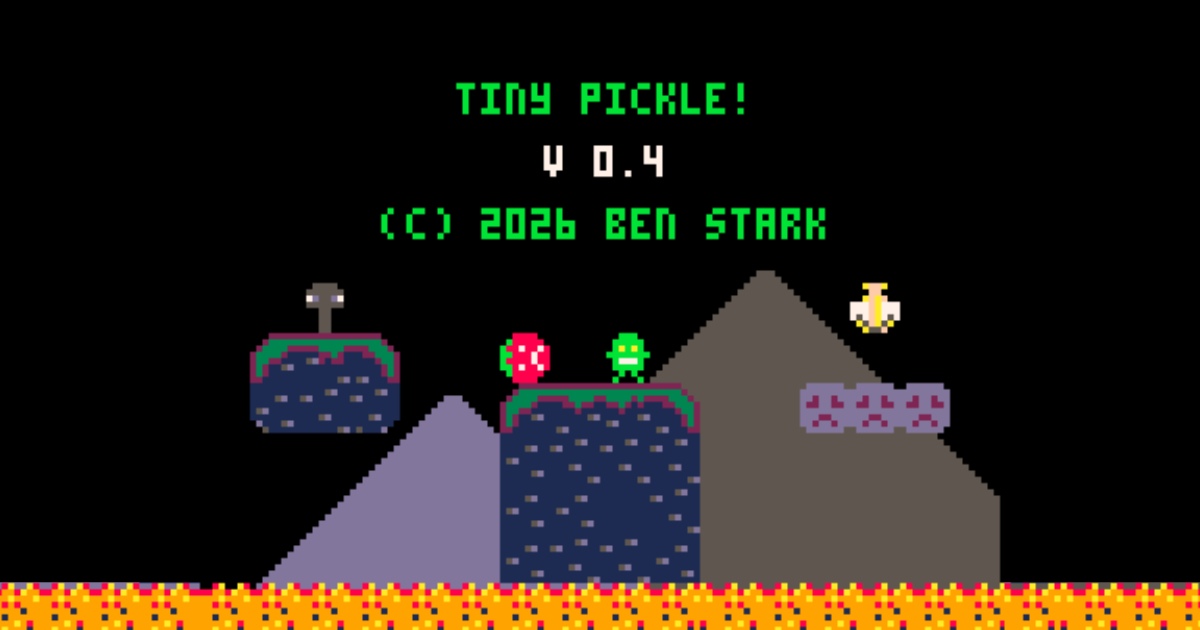
Tiny Pickle 0.4 Release
September 1, 2026
"A small deer came into my camp and stole my bag of pickles. Is there a way I can get reimbursed? Please call." - Dave Barry
I never thought this game would have another level, or more bad guys. Then again, last time I wrote about this game I never thought I'd have another version at all. This is, of course, all thanks to my son. He helped to kickstart this project again and also helped immensely with the code that makes it work.
What Happened to 0.3.2?
After the last release I actually started work on Tiny Pickle 0.3.2. It was going to patch a few bugs and make it easier to play the game on mobile. Technically I did make a 0.3.2 but the 0.4 update is so much better I see no reason to release the older version.
My son really wanted to create the Onionette bad guy (and we did) from the original game, and this is why I pushed the release. I loved the Onionette but it introduced unfavorable bugs and I just couldn't release it that way. One thing led to another and now we also have a Mushroom bad guy and a whole second level. I felt like that warranted a bigger version jump.
New Level
There's only one new level, but I had to redesign a lot of the game to make it work for more than one level, so theoretically there could be any number of levels. The caveat is that you run out of actual map space pretty quickly. It is possible to create maps programatically but it is tedious and you would eventually run out of tokens either way. At this moment there are no concrete plans for a level 3.
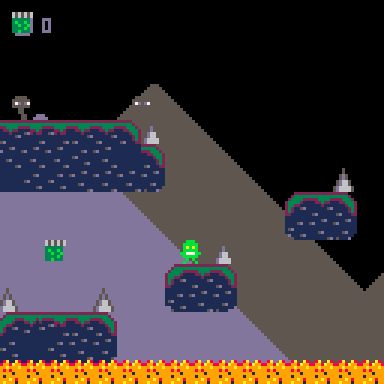
This level introduces some fun new elements including the Mushroom which we will talk about later, and the lava waterfalls. Like the first level, the original version of this was way too hard. I had to "nerf" it as my son says to make it actually playable. Future updates may see more improvements to the gameplay in this level.
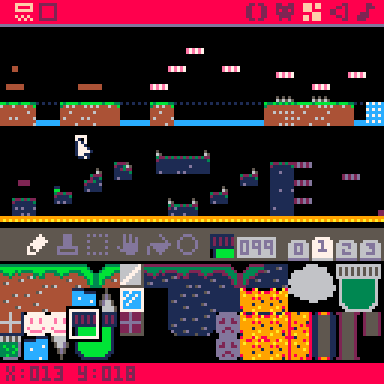
Here is a screenshot of both levels together with the tiles showing that were used to make them.
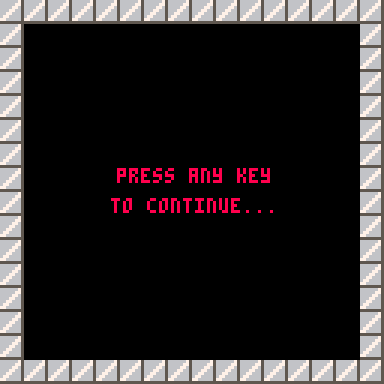
Once I had two levels fully built I had to build a mechanism to transition between the two. I didn't want to just immediately cut to the next level, so I made this interstitial screen that must be dismissed.
New Bad Guys
Onionette
I never planned to put the Onionette in this game, but my son really want to create it. It uses in-game gravity to do its little jump. It's no more difficult to get past than the Tomato, and it adds some variance which is nice. To make room for this new bad guy I ended up deleting a bunch of spikes in the first level. The Onionette does not make an appearance in level two.
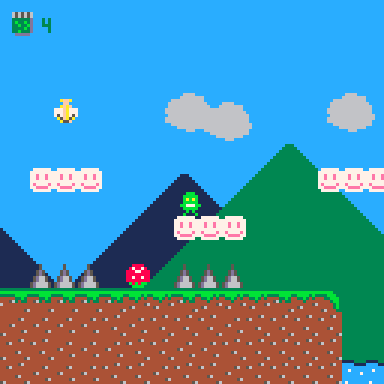
Mushroom
This bad guy doesn't actually hurt you but he sure is disorienting. One touch will send your character into a psychedelic mushroom trip for a few seconds which both rapidly changes the colors on the screen and slows both the gameplay and the music making jumps very difficult. In the code for this project I call it the "Daze" effect. The original pickle game also featured a mushroom that when touched would make the screen wiggly which was disorienting in a different way.
I'm adding this graphic before I show you the animated GIF that actually shows the Mushroom's effect just in case anyone reading this is sensitive to flashing lights. This is offically the opening screen of the game as well.
Prepare to be visually assaulted...
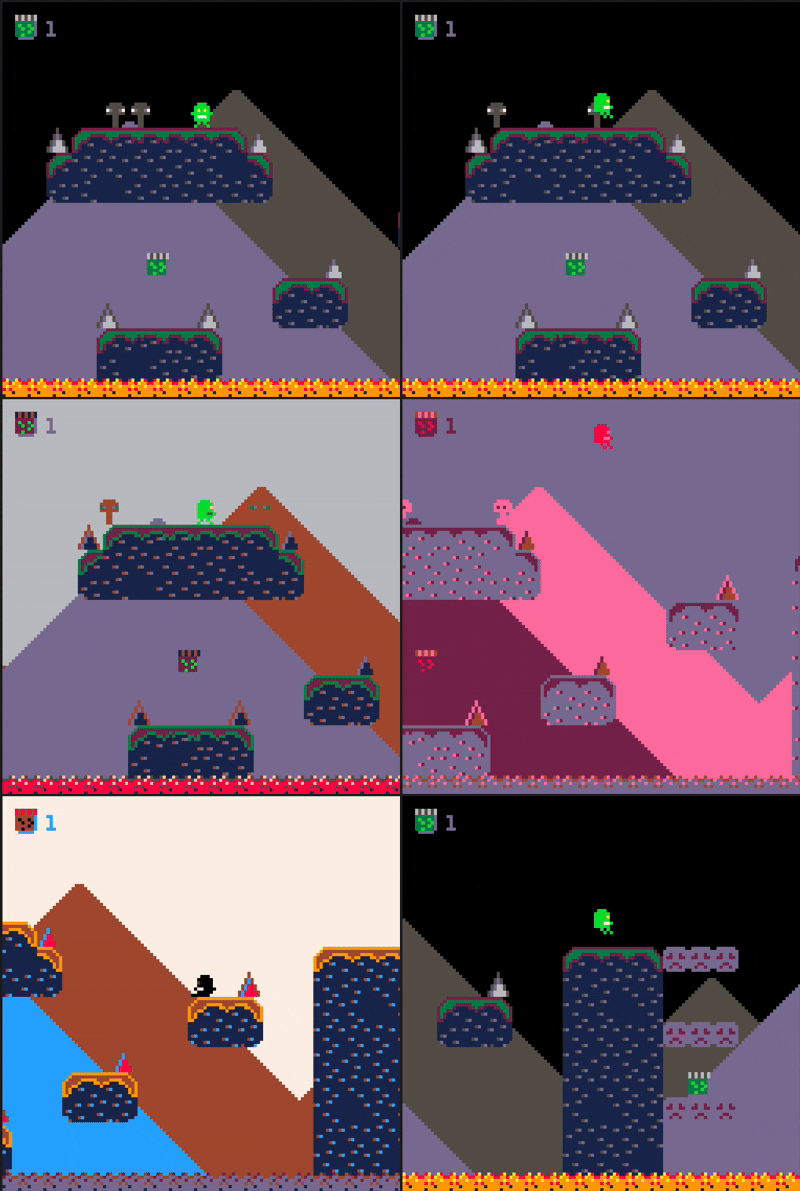
How do we achieve this amazing effect? Well, I'm glad you asked. This tiny colorswap() function does all the work. We trigger the function when the player enters the "daze" state.
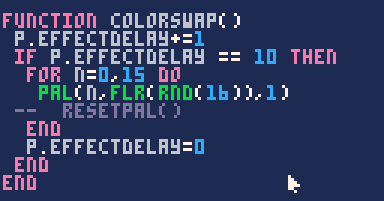
I originally used Pico-8's alternate color pallete for this effect but found that you couldn't really tell so I changed it back.
Other Minor Improvements
Animations
The first level has undergone some additional changes (in addition to the changes from 0.3.1) to make the game easier to play and to look prettier.
My favorite of the new improvements is the moving water texture as seen below. My son helped to create this effect by reusing a pattern he was actively using in his Pico-8 remake of Geometry Dash (yes I will link it once it is released).
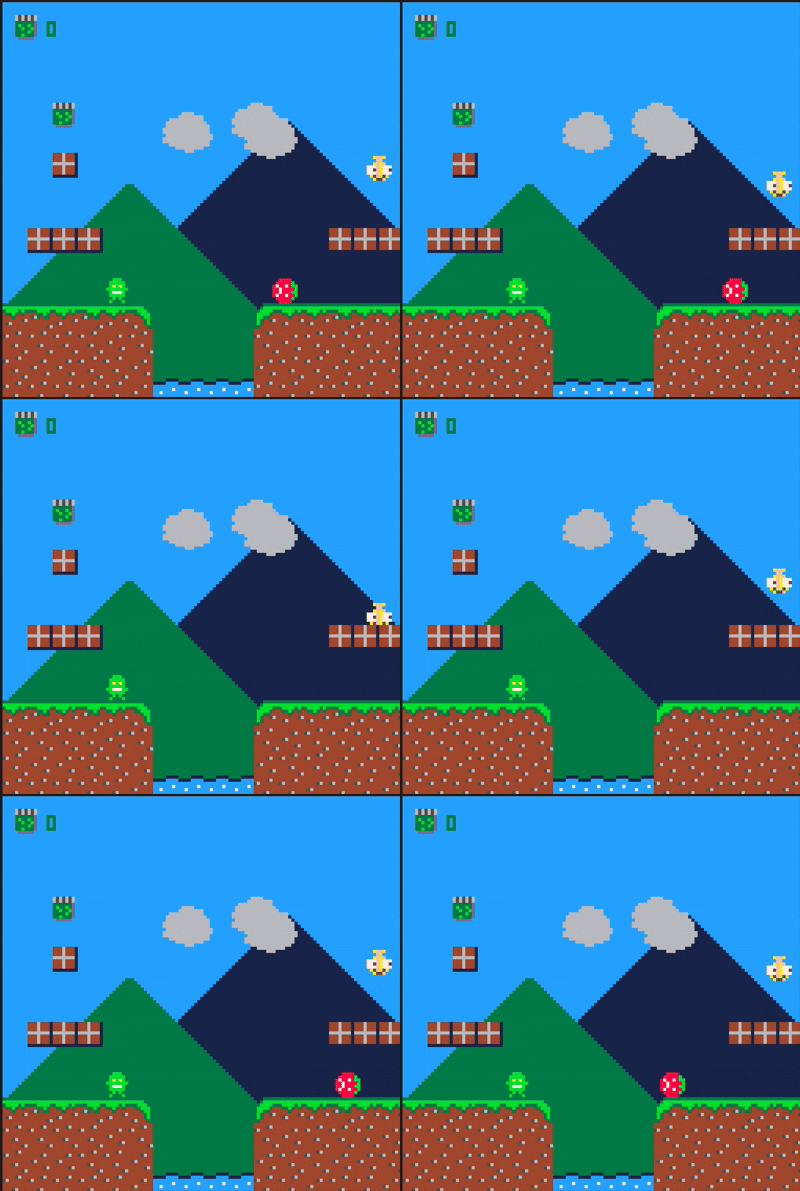
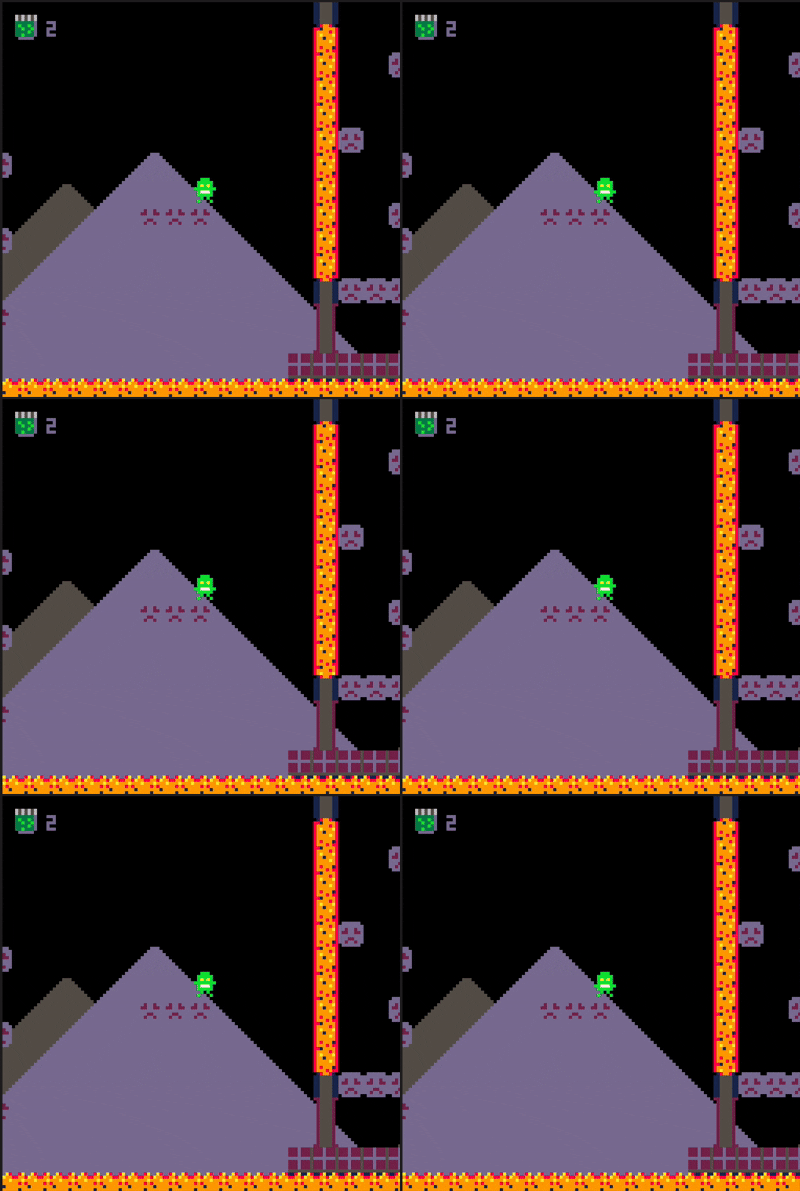
We apply this same effect in level two for the lava texture, although I don't think it looks quite as good.
Notice in the screenshot below that some textures that overlap have the same color. This is due to Pico-8's very limited color pallette. Although I'm not actively using pink or black, so I think I can remap those to alternate colors. I already have that planned for a future update.
Debug Mode
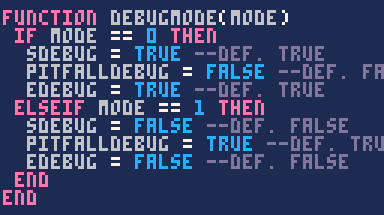
Debug mode has undergone some changes as well. I've consolidated the rules that prevent death in the game into a single function that I can easily toggle on or off rather than resetting each variable individually.
Click here to play Tiny Pickle 0.4 on your Desktop or Mobile device.
© Copyright Ben Stark. All rights reserved.